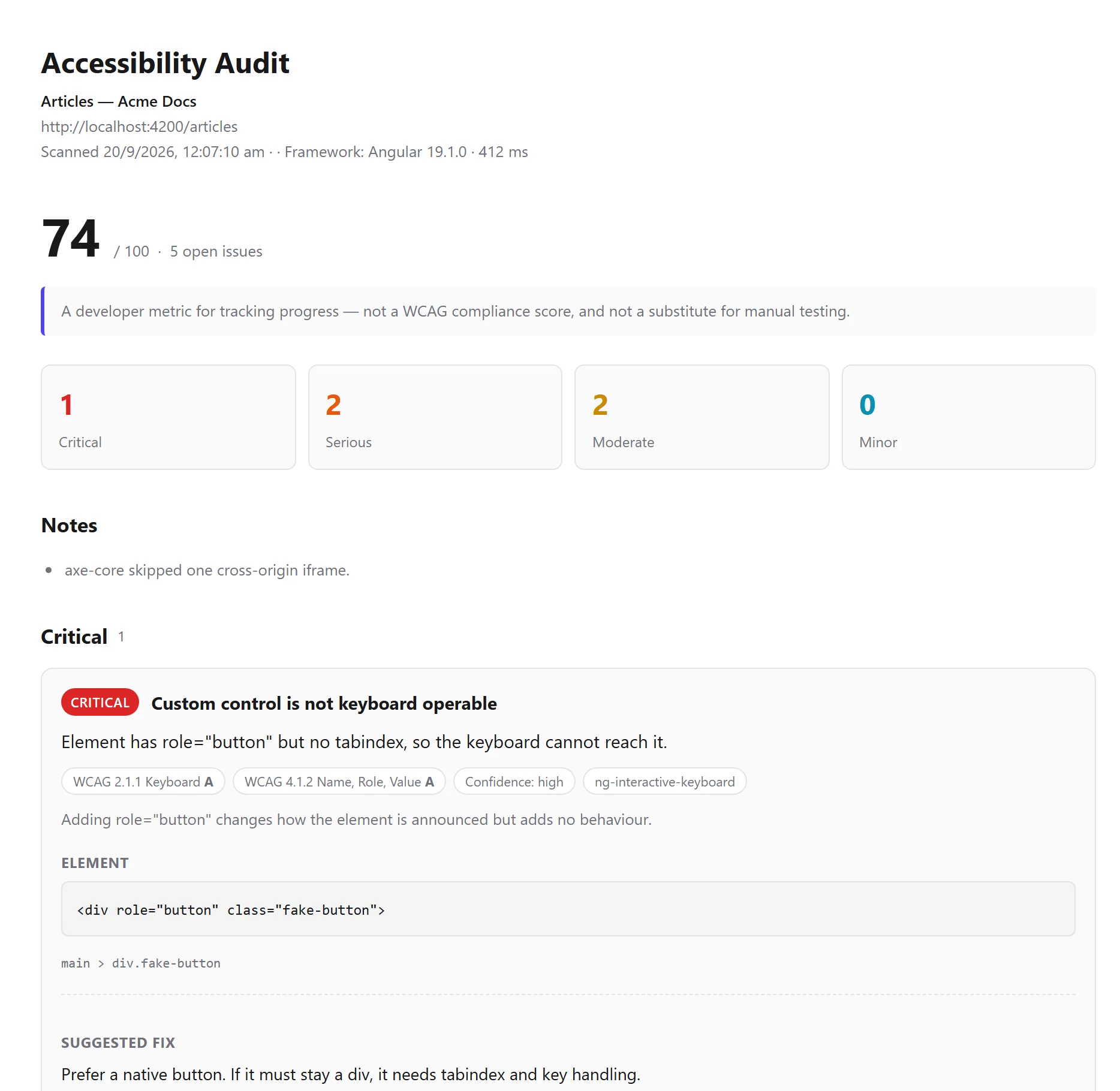
Four formats
Export as JSON for a pipeline, CSV for a spreadsheet, HTML for someone who just needs to read it, or Markdown for a pull request description.
Every format carries the manual review alongside the automated findings, so the human judgement travels with the machine output instead of being lost at the door.
What a report contains
- Findings grouped by rule or by component, filterable by severity, confidence and conformance.
- “Needs review” findings kept separate, and never counted against the score.
- Optionally, a record of what passed — so a clean scan shows what was actually verified rather than just an absence.
- The standard the scan was measured against, recorded on the report itself.
History
The last ten scans are kept on your device so you can compare before and after a fix. It can be switched off, and cleared at any time.
Start with the page you are on
Install the extension, press F12 and open the Accessibility tab. No account, nothing to configure, and nothing leaves your machine.