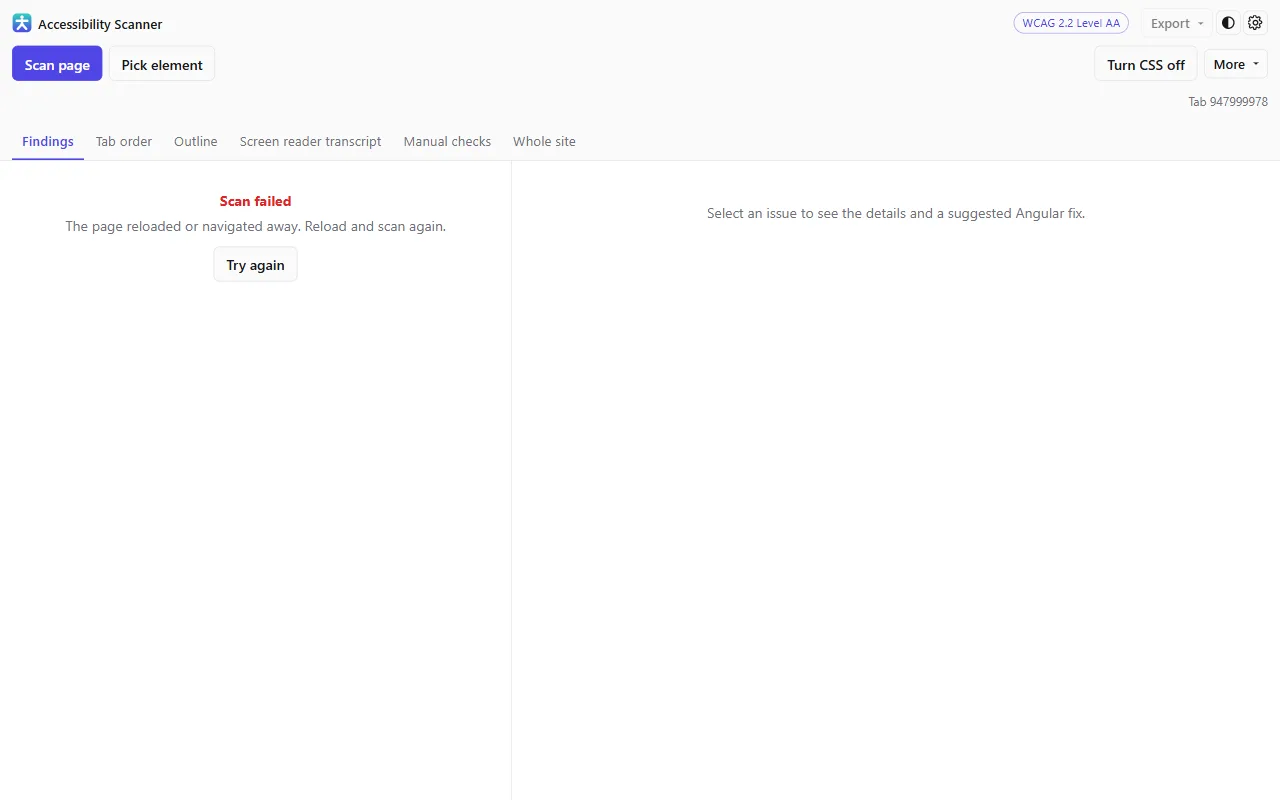
Automated findings
The full axe-core rule set plus checks of our own, run against the page you are actually looking at — including inside iframes and shadow DOM.
Learn more
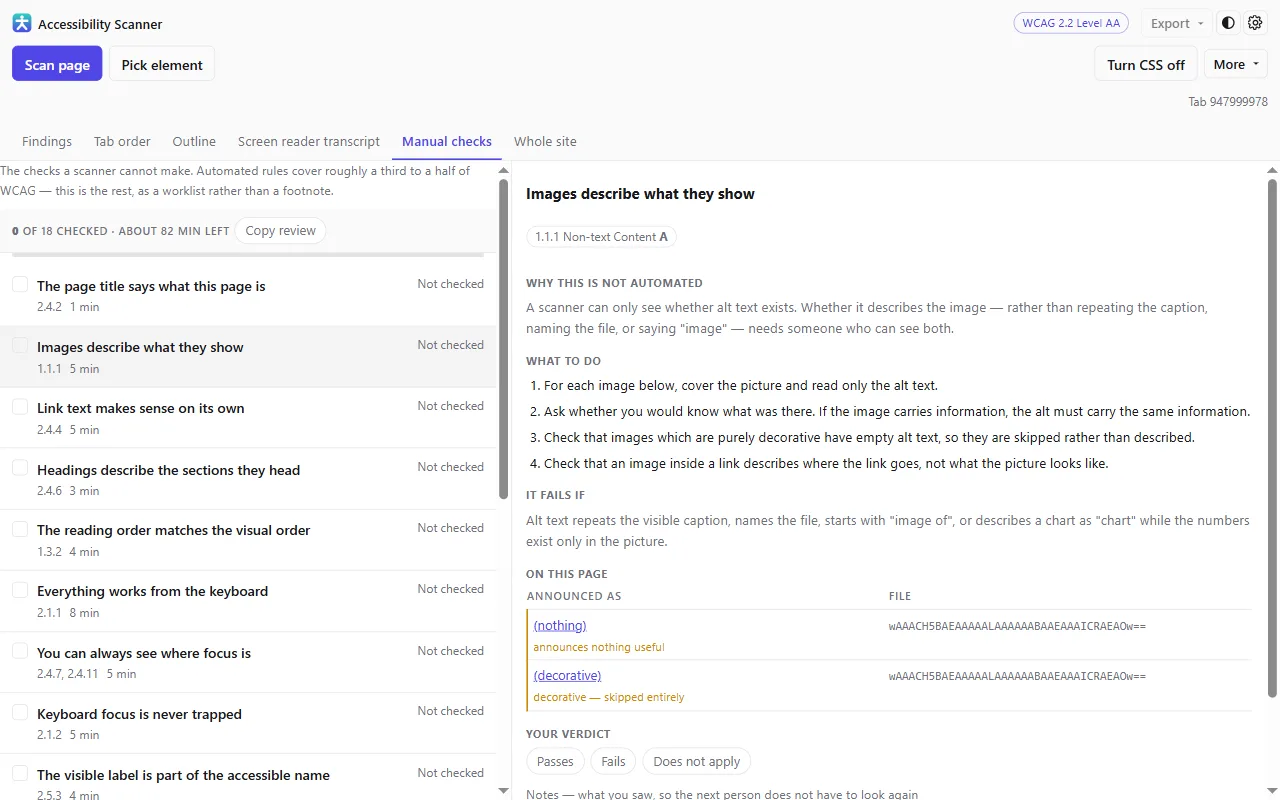
Guided manual checks
Eighteen checks covering what a machine cannot decide, each one gathering the page’s own content so you are reading evidence rather than a reminder.
Learn more
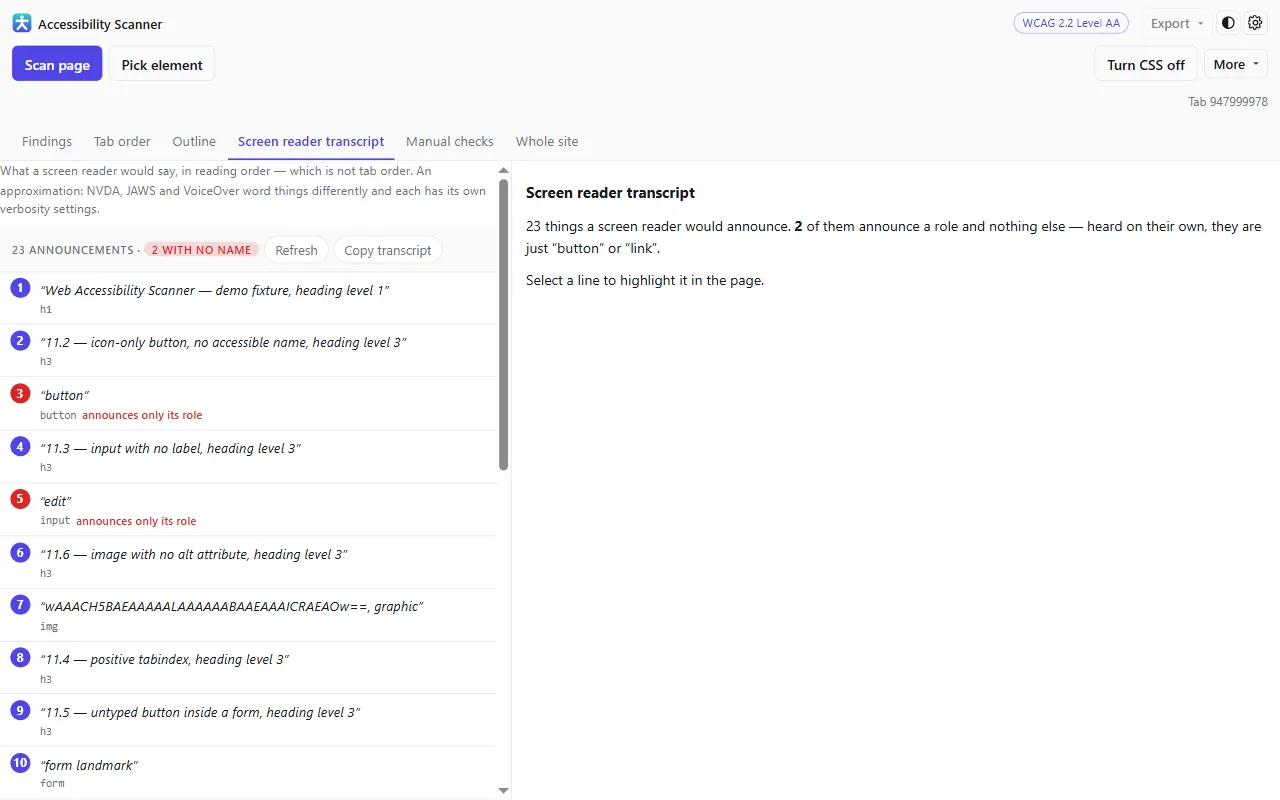
Screen reader transcript
What would actually be announced, in reading order — so an icon button with no label stops looking fine.
Learn more
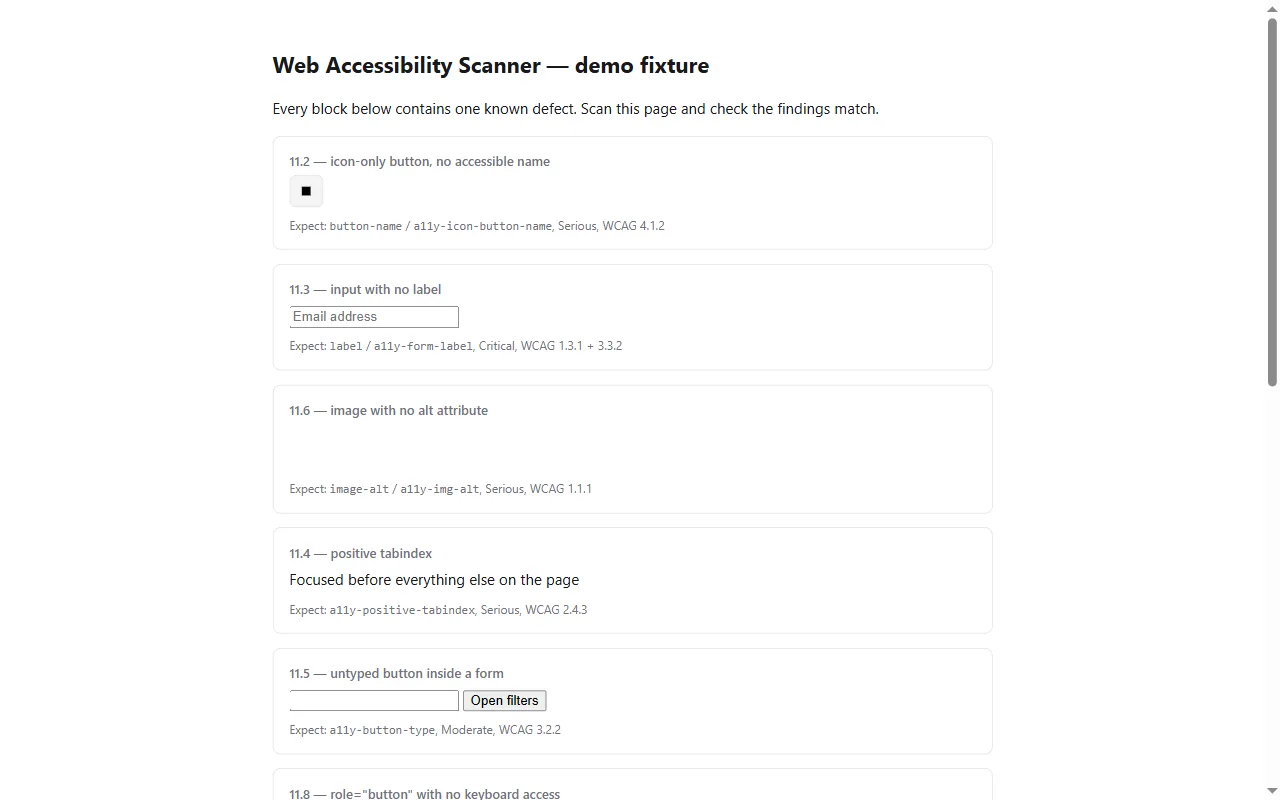
Tab order overlay
The keyboard path drawn and numbered over the page, with a list you can step through.
Learn more
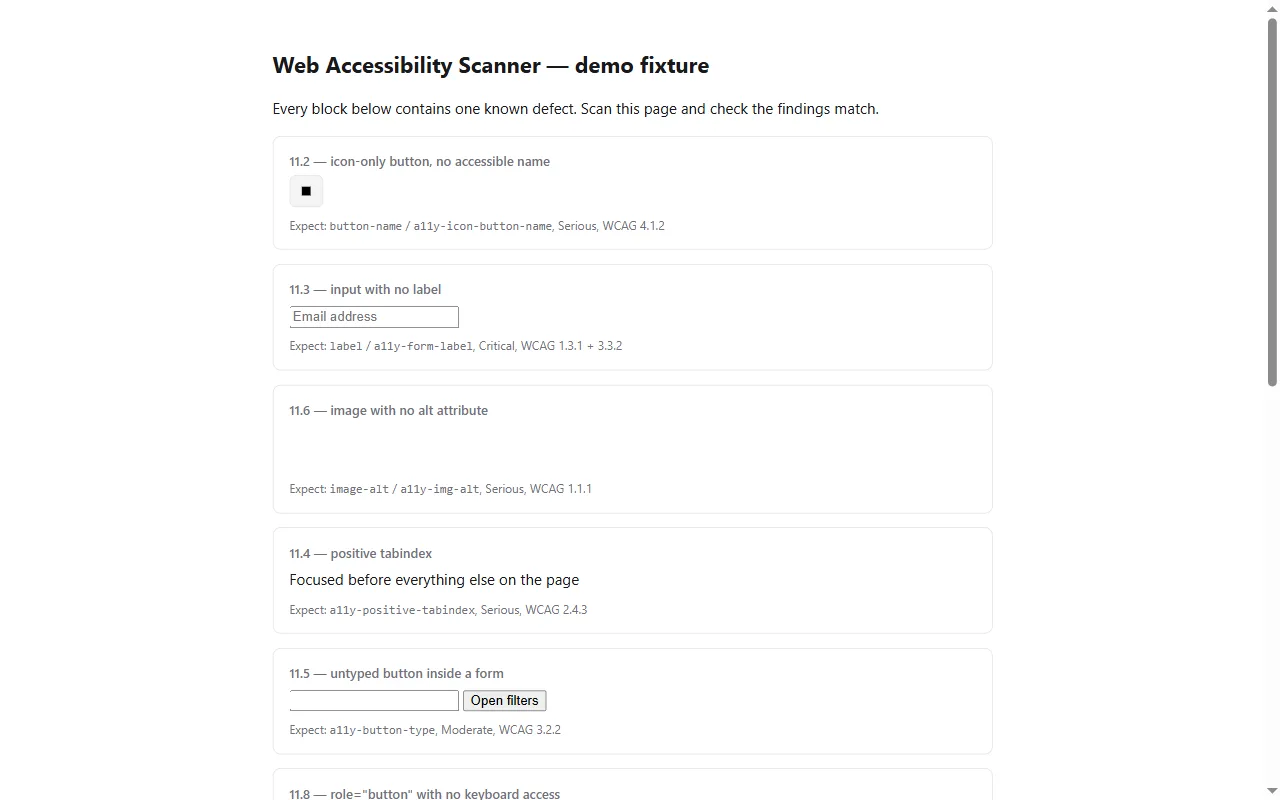
Document outline
Headings and landmarks drawn over the page, so a wall of unlabelled divs is obvious.
Learn more
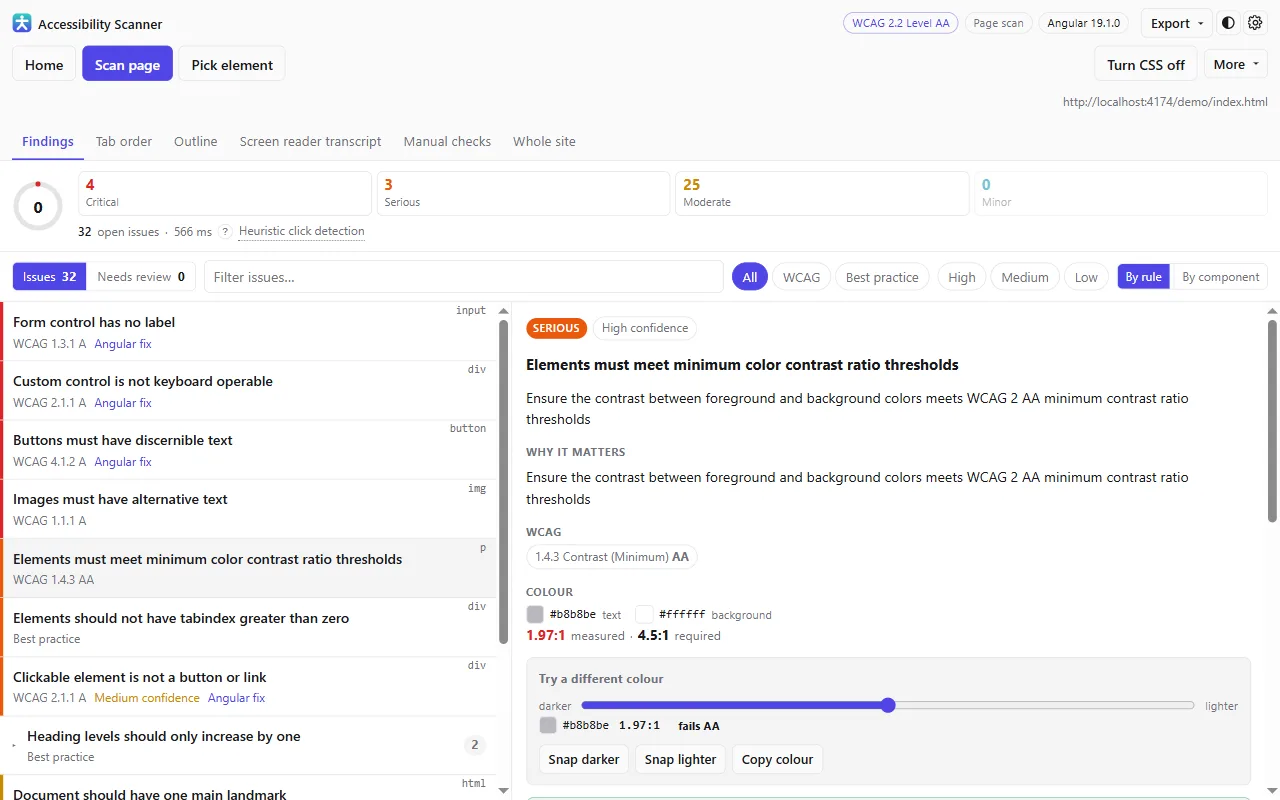
Colour contrast tuner
The measured ratio, the nearest passing colour, and a slider for trying shades until one passes.
Learn more
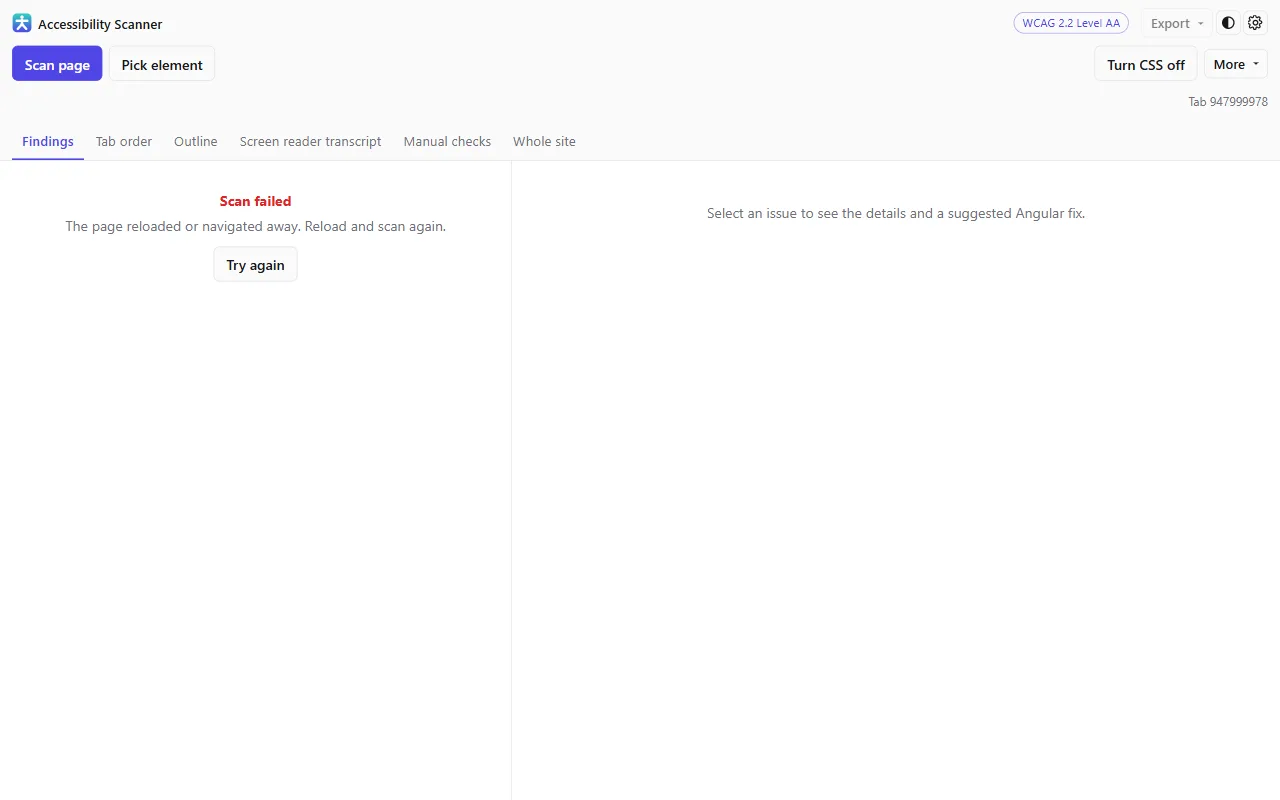
Group by component
Eighty contrast failures are usually one button used eighty times. Fix it once.
Learn more
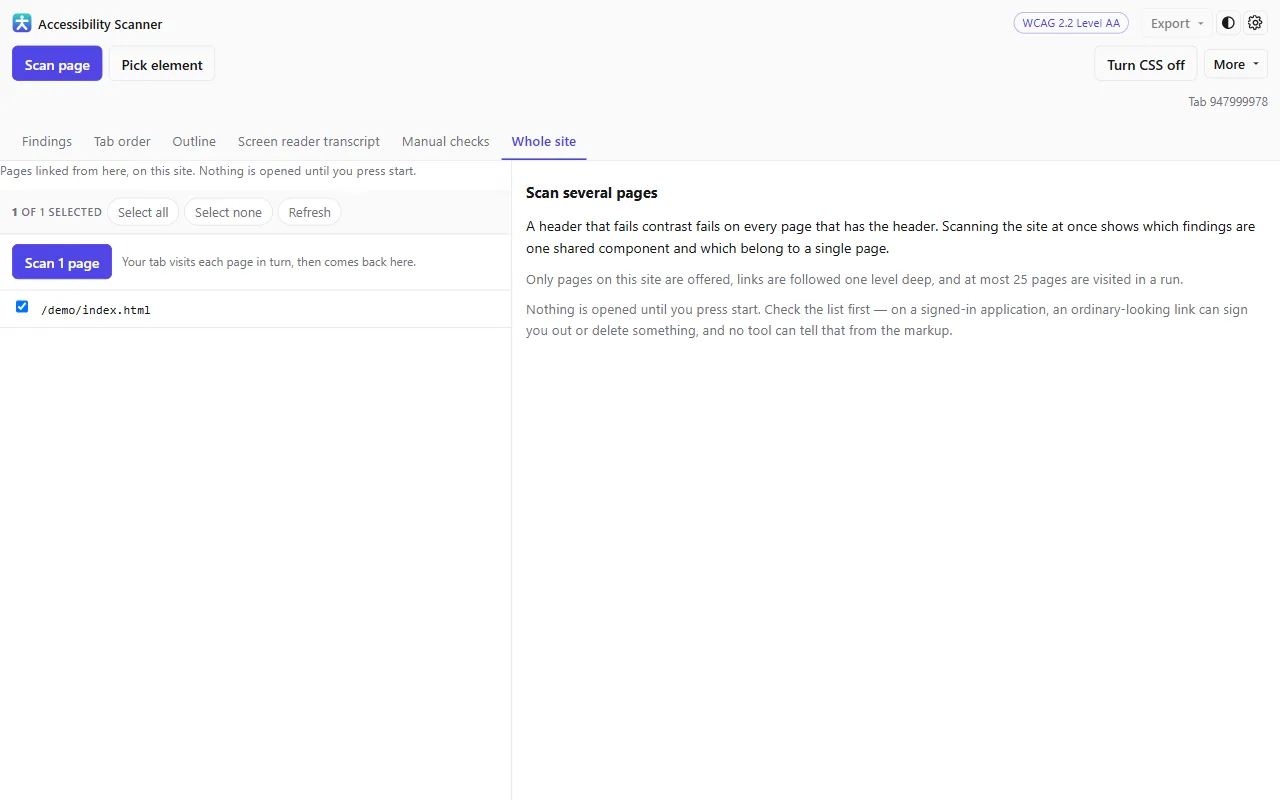
Whole-site scan
Scan up to twenty-five pages of a site in one run and see which findings are shared.
Learn more
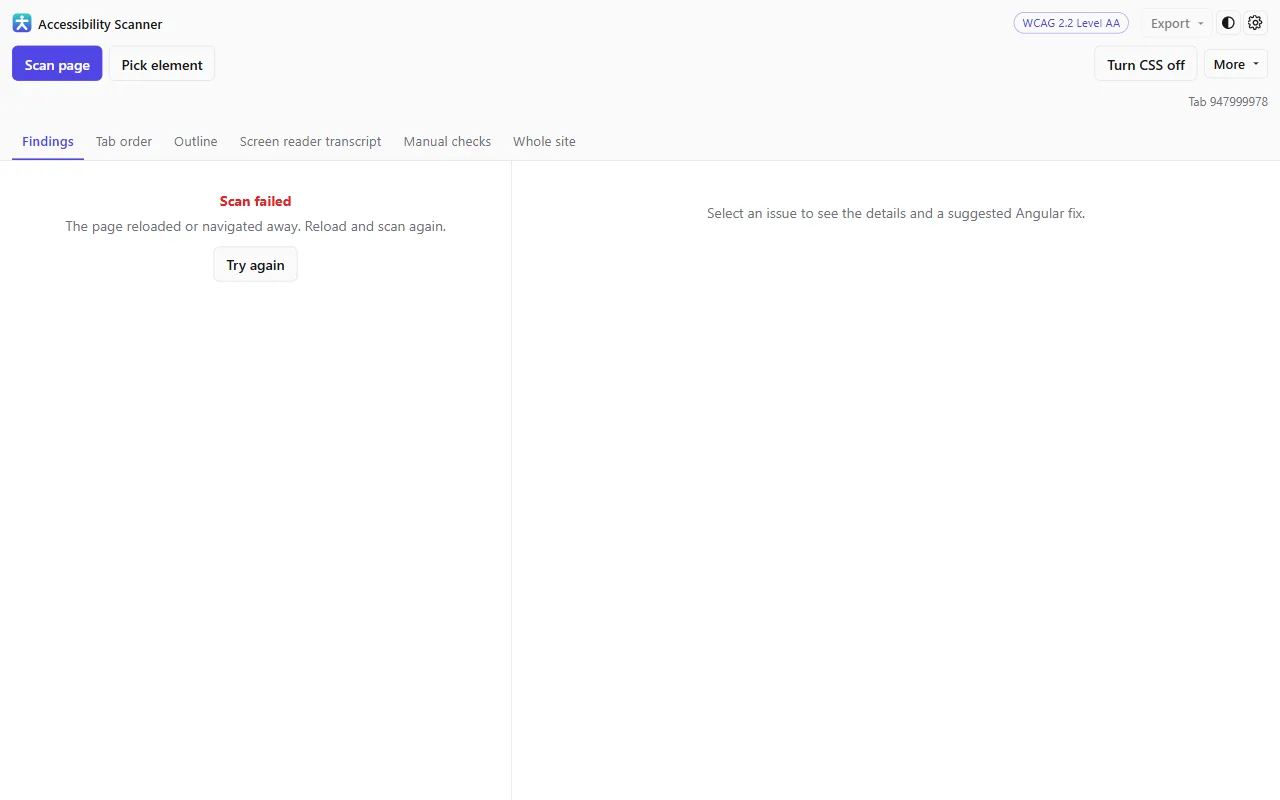
User flows
Record a journey once, replay it whenever you like, and get every state scanned and merged into one report.
Learn more
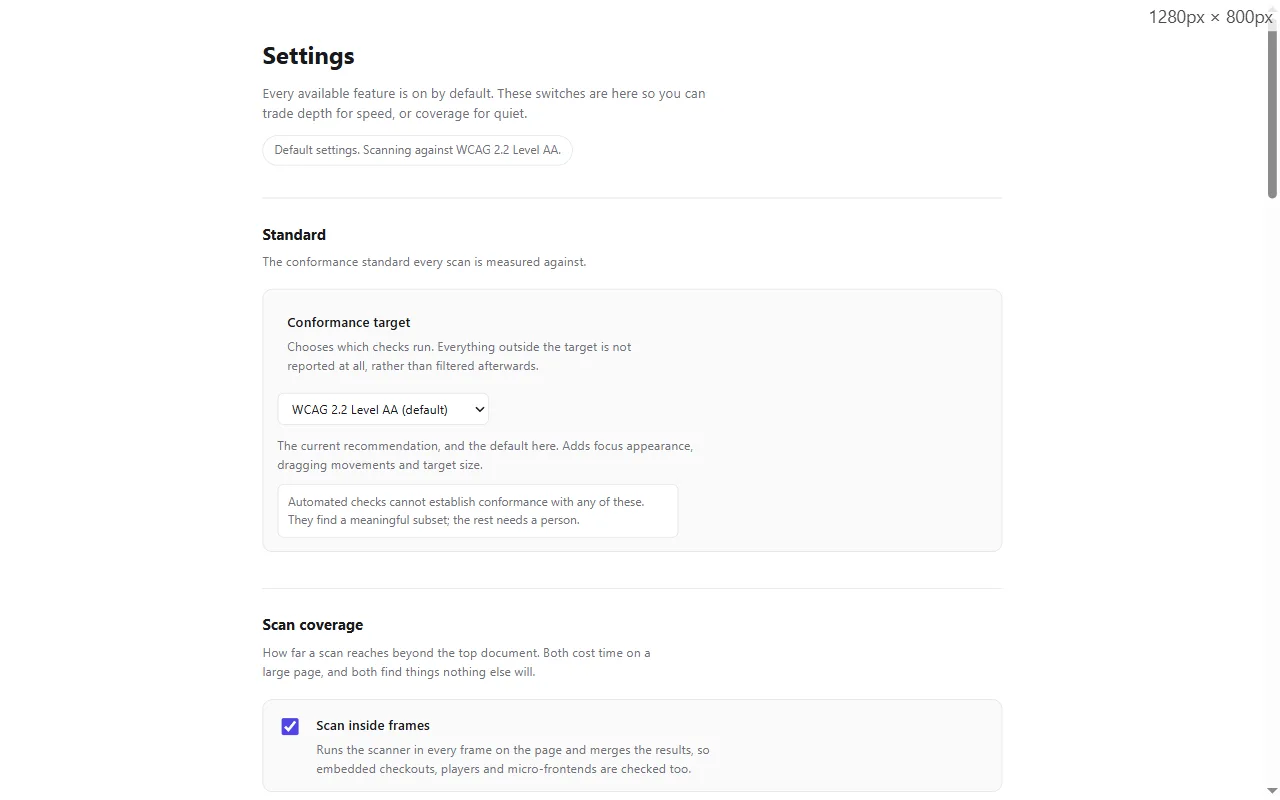
Standards
WCAG 2.0, 2.1 and 2.2, plus Section 508, EN 301 549, Trusted Tester v5 and RGAA 4.
Learn more
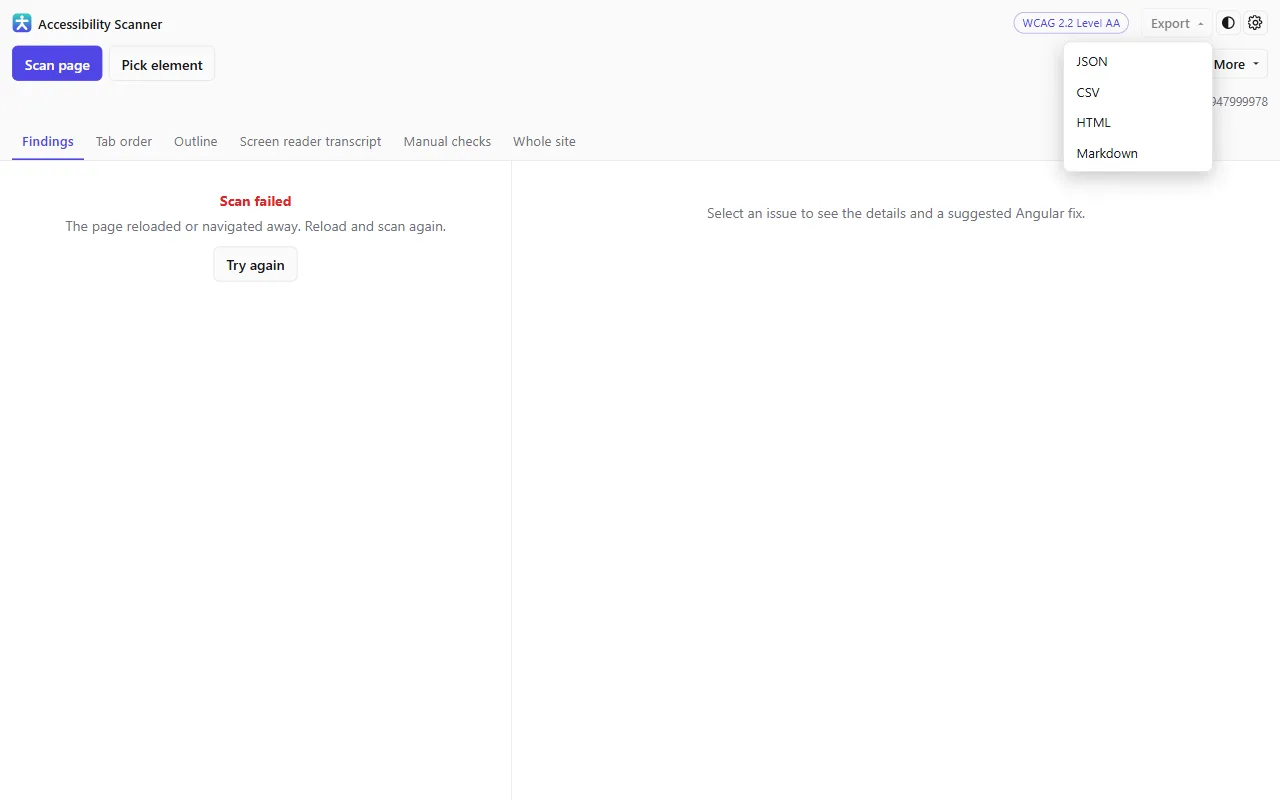
Reports and export
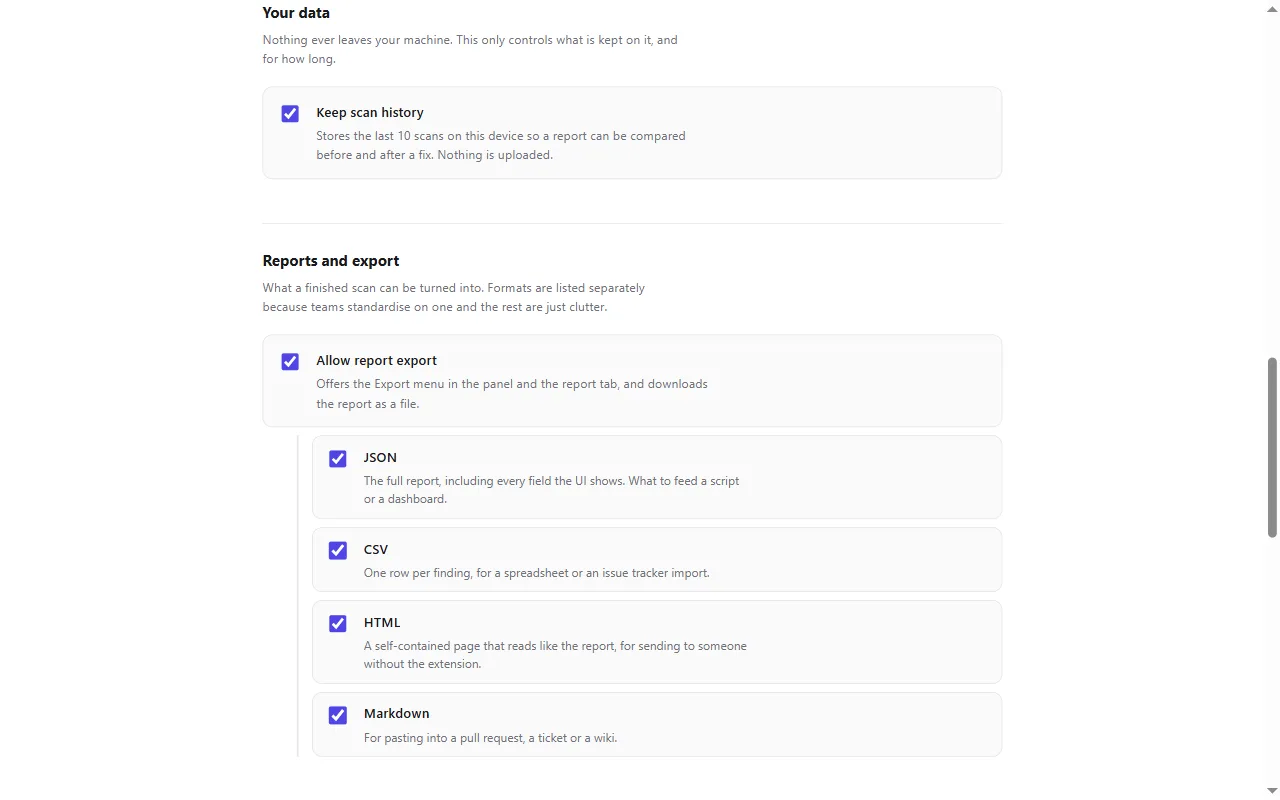
JSON, CSV, HTML or Markdown, with your manual review included — and the last ten scans kept locally.
Learn more
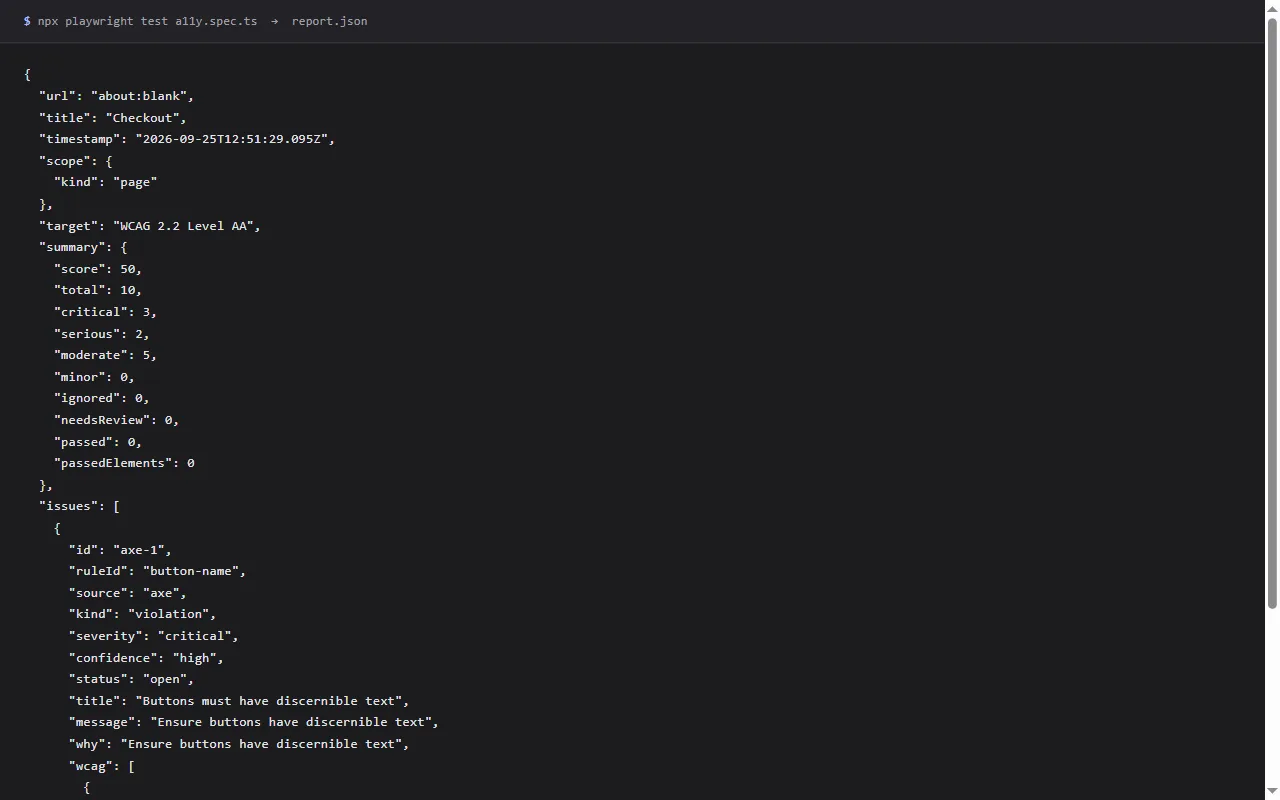
In your pipeline
The same engine as a single file with no browser APIs — inject it with Playwright and assert on the results.
Learn more
Privacy by design
No accounts, no servers, no analytics. Nothing you scan is sent anywhere.
Learn more
Start with the page you are on
Install the extension, press F12 and open the Accessibility tab. No account, nothing to configure, and nothing leaves your machine.