Nothing leaves your device
There is no backend service, no telemetry, no crash reporting, no analytics and no third-party SDKs. The rule engine is bundled with the extension and runs on your machine.
Licence keys are verified locally, not against a server.
The one request it makes
Find in source reads a source file from the development server that is already serving the page you are looking at — same origin, a read, and only when you ask for it. That is the only network request the extension makes, and it is described in full in the privacy policy.
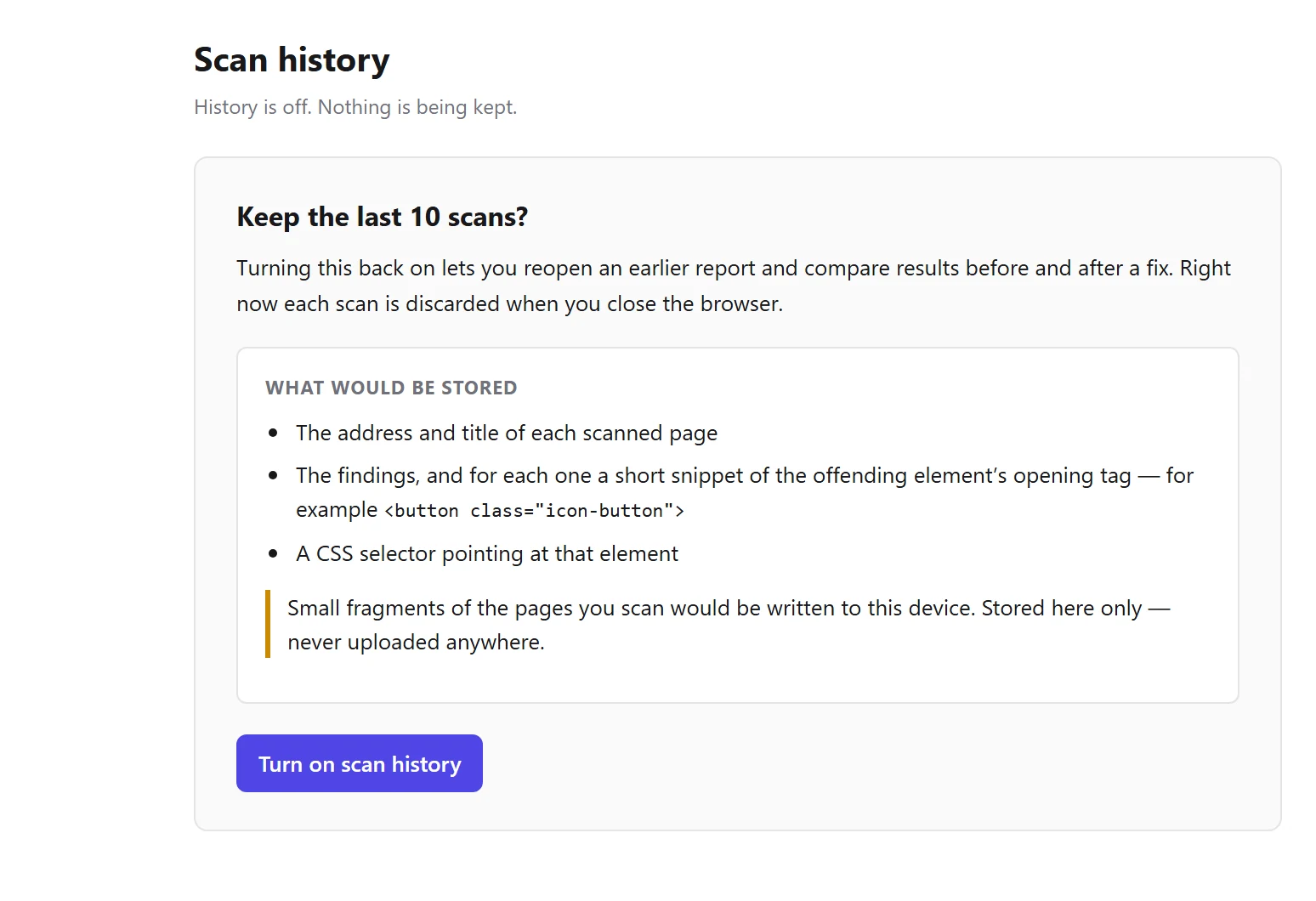
What is kept, and how to remove it
Worth knowing: Scan history retains content derived from the pages you scan, on your device. It is on by default and can be switched off entirely.
Start with the page you are on
Install the extension, press F12 and open the Accessibility tab. No account, nothing to configure, and nothing leaves your machine.