A worklist, not a lecture
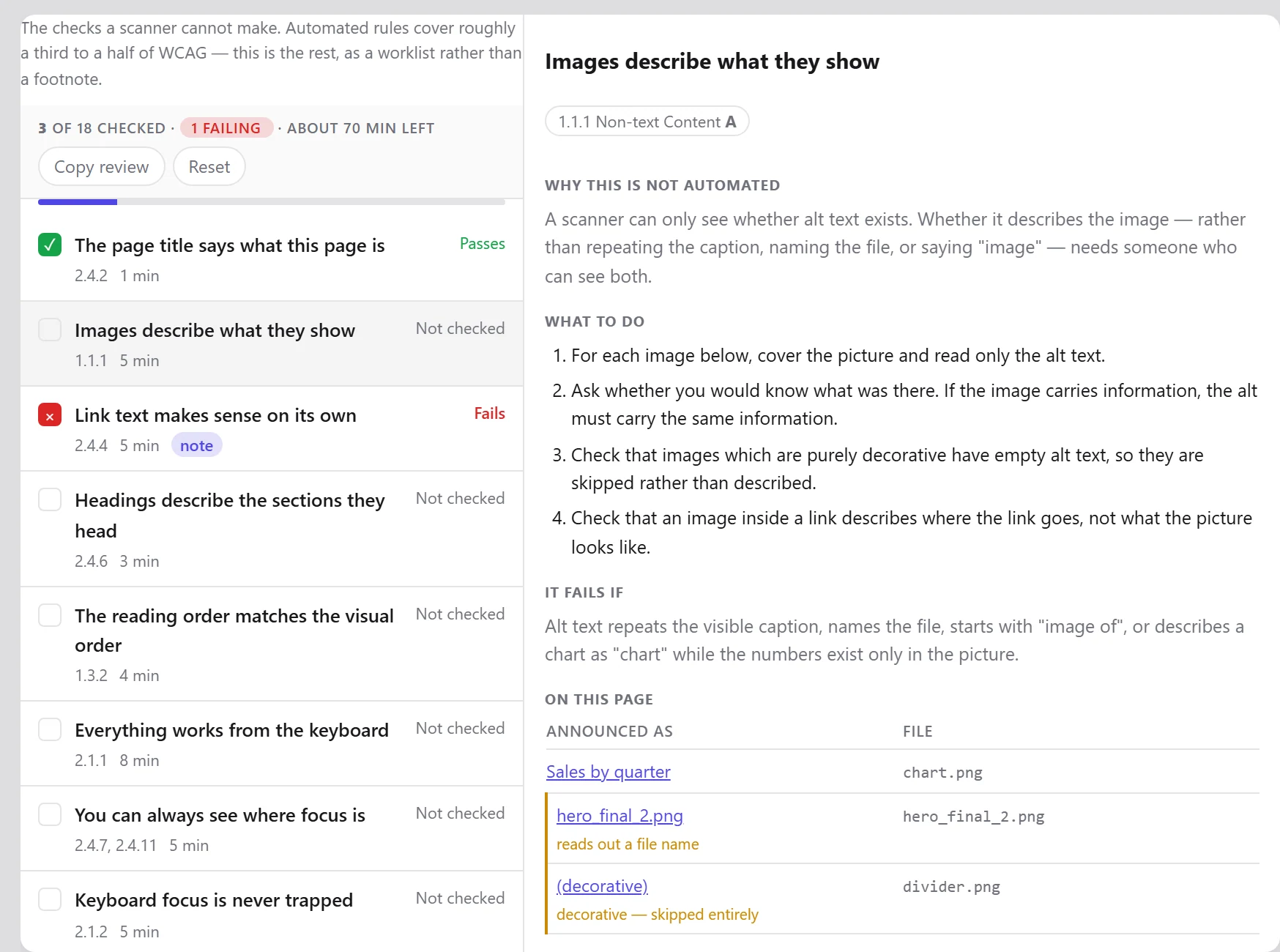
Eighteen checks cover the questions a rule engine cannot answer: whether alt text describes its image, whether captions are accurate, whether the reading order still makes sense once the styles are gone.
Each check says why a scanner could not answer it — so five minutes of your time is five minutes no tool could have saved you — and what a failure actually looks like, so “pass” is not the default answer.
It brings the evidence
“Review your images” is advice. A table of your eleven images and what each one announces is work you can do.
Each check pulls the relevant content out of the page and points at rows that look suspicious — an alt attribute that is really a file name, say — without calling them failures. That judgement is yours.
Where part of a check can be automated, the button is right there: “Turn the CSS off and read it” is one click, not an instruction to go and find a feature.
It survives being closed
Record a verdict and a note against each check. The review is saved for that page, it is still there when you come back, and it goes into the exported report — so a colleague can see what a person checked and what they decided.
Worth knowing: A completed review is recorded as human judgement, deliberately kept separate from the automated score rather than folded into it.
Start with the page you are on
Install the extension, press F12 and open the Accessibility tab. No account, nothing to configure, and nothing leaves your machine.